Augmented Reality
The AR experiences can be triggered by your mobile device’s location at each artwork around Scottsdale.
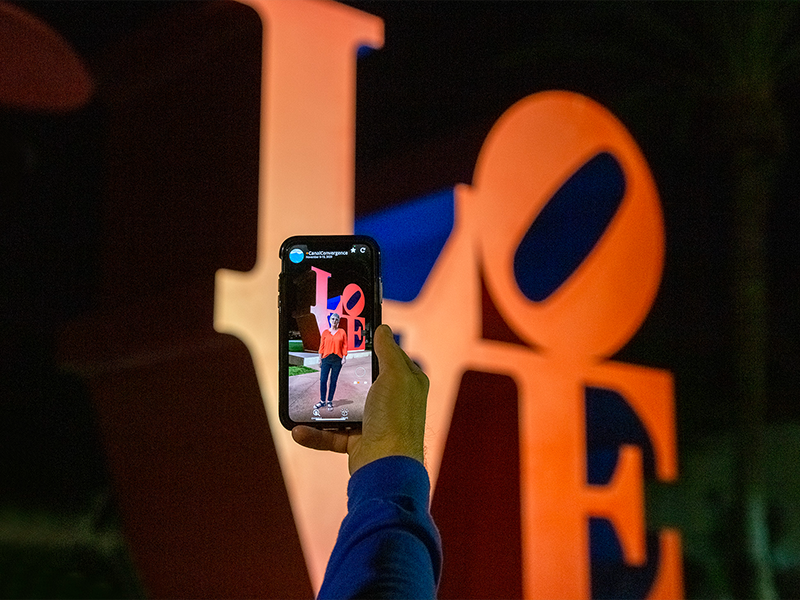
Augmented Reality and Art
Select artworks in the Scottsdale Public Art Permanent Collection are enhanced with new augmented reality elements, a feature that debuted during Canal Convergence 2020. These AR elements include additional information about the artworks from the artists, Scottsdale Public Art staff, and others associated with the artworks.
The AR experiences can be triggered by your mobile device’s location at each artwork around Scottsdale.
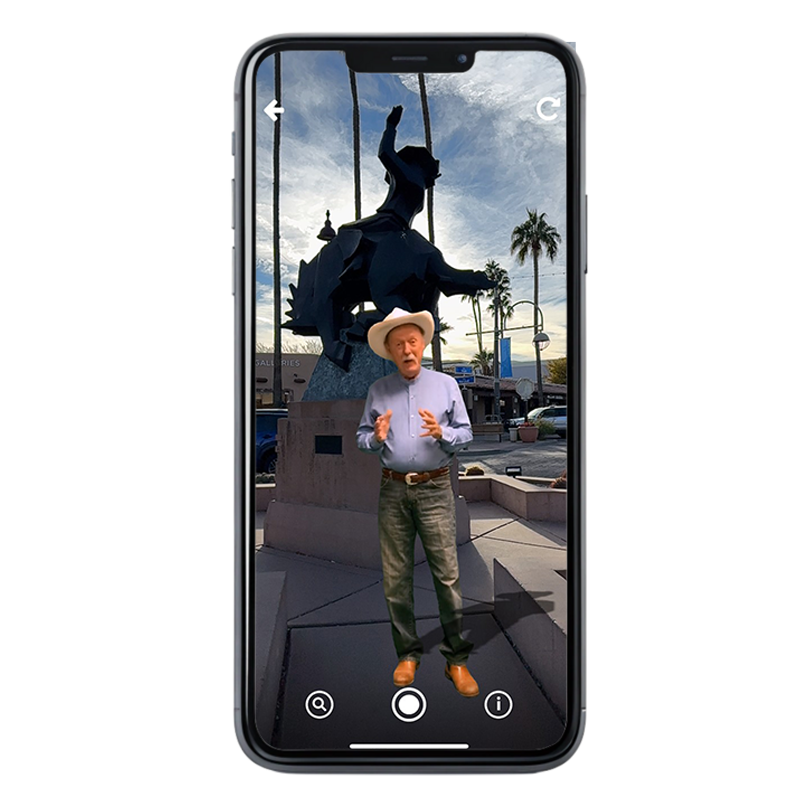
Access AR Features
Before setting out, access your mobile device’s app store, download the Hoverlay app, and follow instructions to install the Hoverlay camera browser app on your mobile device. Search for the ScottsdalePublicArt channel to unlock these experiences at each of the artworks. Please note: the app requires an augmented reality-capable device running iOS 14.0 or later or Android 8.0 or later.
Share your experience! The Hoverlay app allows you to take photos and video of your augmented reality experience directly within the app. Use #ScottsdalePublicArt when sharing your experiences on social media and tagging our social media accounts.
What is augmented reality?
What will I see?
Where can I find the AR experiences?
What will I see, hear, or do while using AR?
What is on the map on the +ScottsdalePublicArt channel?
What if there is a red dot on the circle in the map?
What kind of device do I need?
How do I install the app?
What do the symbols on my Hoverlay app screen mean?
Why can’t I hear anything?
How can I stop the video?
How can I take a photo of the experience?